GHL Deals is an independent guide. We are not HighLevel. Log in only on the official app.gohighlevel.com.
Login help guide
GoHighLevel Login: How to Sign In and Fix Common Issues
By the GHL Deals editorial team · Last updated: October 2026
TL;DR
- The official GoHighLevel login is app.gohighlevel.com.
- Use the email your agency invited you with, or "Sign in with Google".
- Forgot password? Click "Forgot password?" under the password box.
- Codes not arriving? Check spam, or ask your agency admin to add your phone number.
- Still stuck? Call HighLevel support 24/7 at +1 (888) 732-4197.
| Official login URL | app.gohighlevel.com |
|---|---|
| Login methods | Email + password, or Google |
| Security code | 6-digit code by email or SMS |
| Password rules | 8+ characters, upper + lower case, number, symbol |
| Login support | +1 (888) 732-4197, 24/7 |
| No account yet? | Start a free trial |
How to log in to GoHighLevel (5 steps)
- Go to app.gohighlevel.com. If your agency gave you a white-label link (like app.youragency.com), use that one instead.
- Enter the email you signed up or were invited with.
- Enter your password, or click "Sign in with Google".
- Type the 6-digit security code HighLevel sends to your email or phone.
- You land on your dashboard, or on the Launchpad if your account is new.
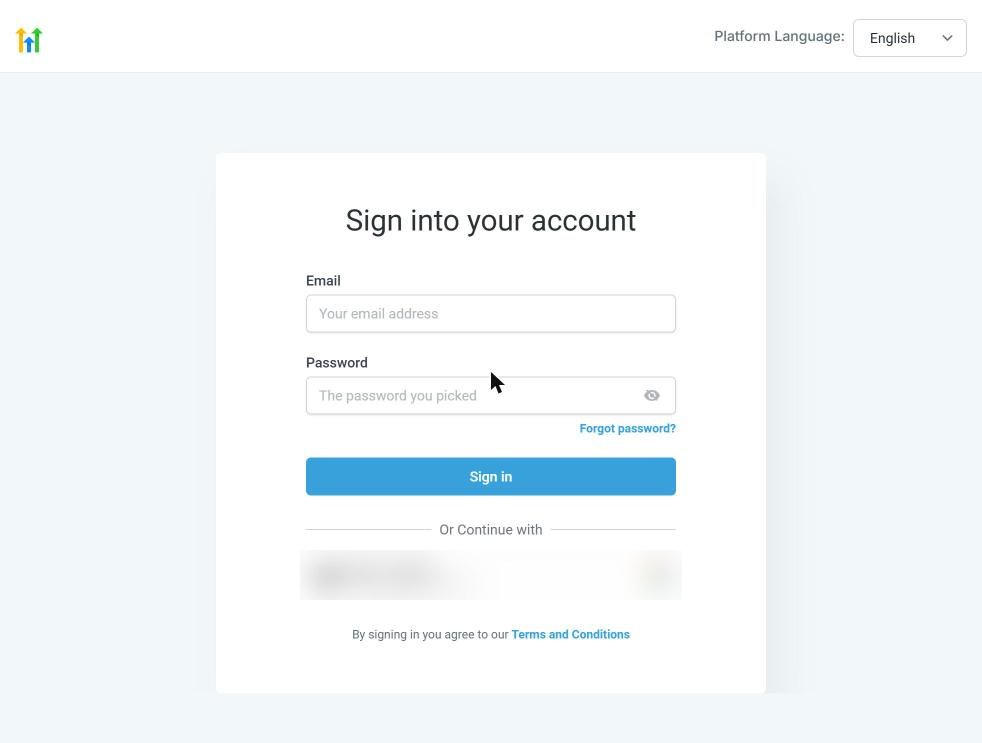
The official sign-in screen: email, password, Forgot password, and Sign in with Google.
Screenshot of the official app.gohighlevel.com sign-in page.
GHL login vs. white-label login
Agency owners log in at app.gohighlevel.com. Clients of an agency often log in on the agency's own branded domain. Same software, different door.
If you see "User does not exist in this Agency", you are on the wrong agency's domain. Use the link your agency sent you.
Forgot your GoHighLevel password?
Click "Forgot password?" under the password field, enter your email, and follow the reset link. New passwords must have at least 8 characters, an upper and lower case letter, a number and a special character.
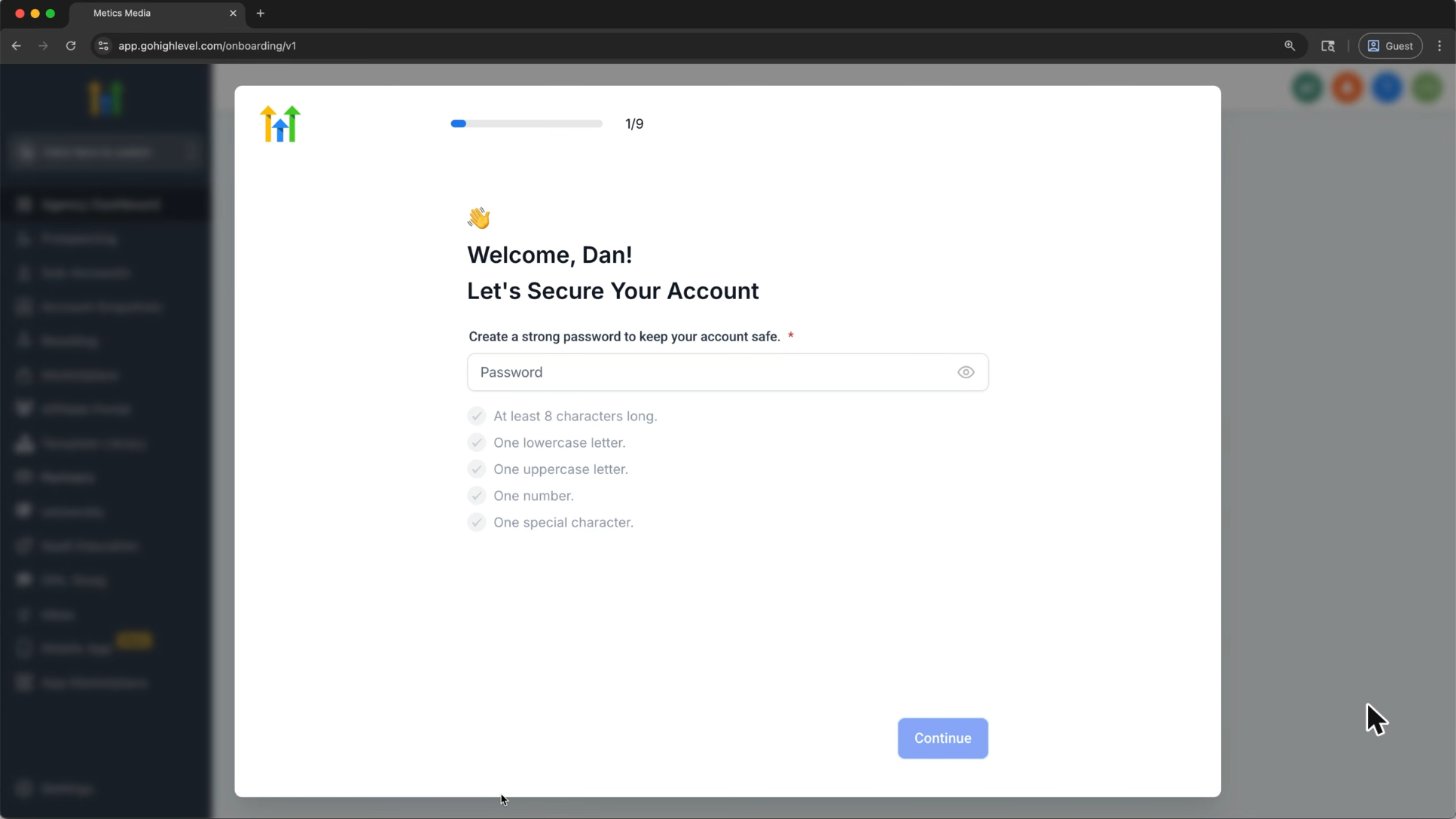
New accounts set a password: 8+ characters, upper and lower case, a number and a symbol.
Screenshot from Metics Media's GoHighLevel tutorial on YouTube.
Not getting your 2FA / security code?
- Check your spam folder for an email titled "Login Security Code".
- If you see "Not able to send the security code at this time", your agency admin needs to add your phone number to your user profile.
- If you are the only admin, call support at +1 (888) 732-4197 to add it.
- You can also try "Sign in with Google".
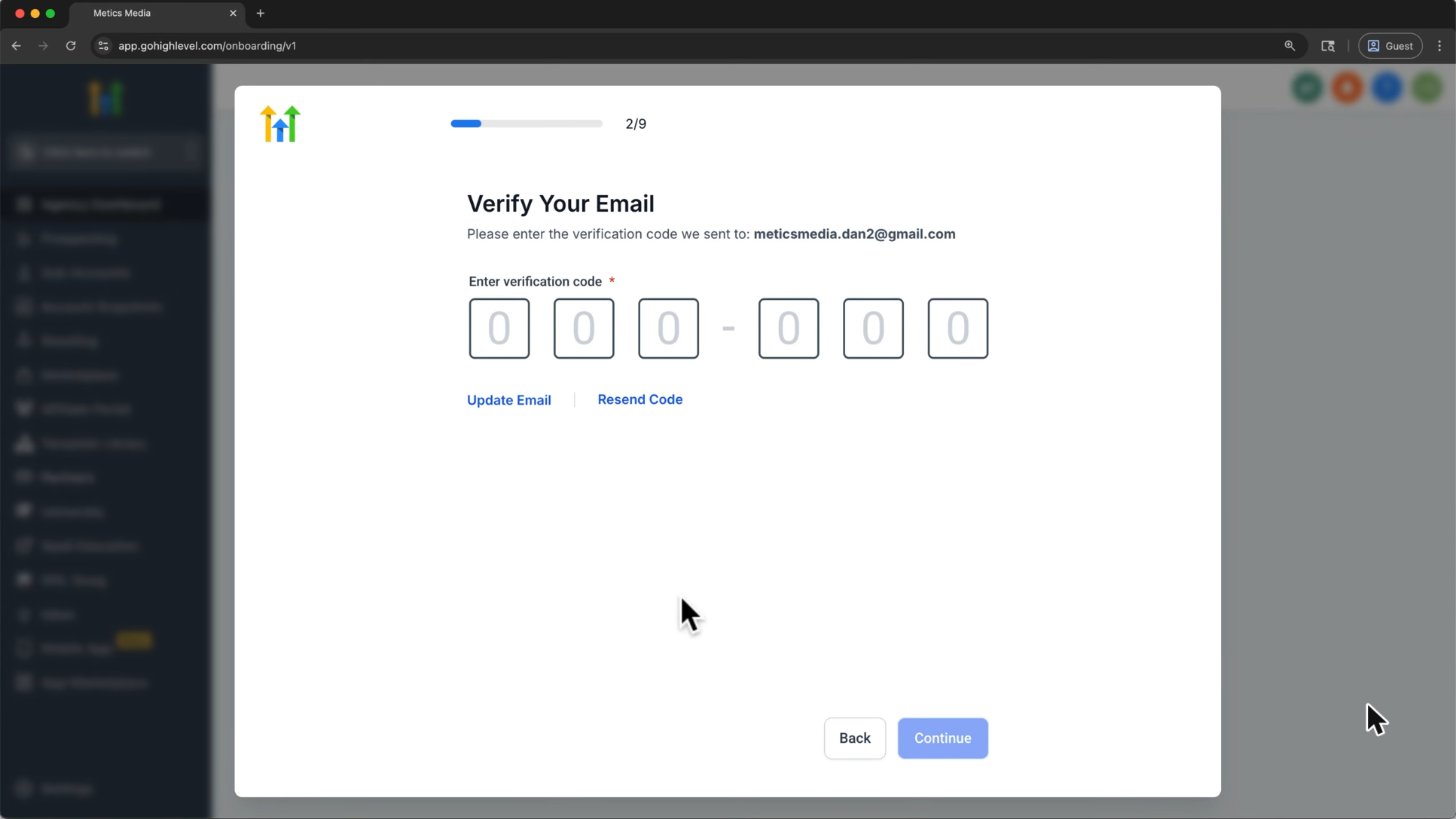
HighLevel sends a 6-digit code to your email. Check spam if it does not arrive.
Screenshot from Metics Media's GoHighLevel tutorial on YouTube.
Fix common GoHighLevel login errors
Error | What it means | Fix |
|---|---|---|
"Unable to log you in at this time" | Your internet provider's security filter is blocking it | Turn off ISP security features (Verizon Fios, Xfinity, Spectrum, CenturyLink, McAfee) or try mobile data |
Page stuck after login, no error | Cookies or a VPN are blocking the app | Allow cookies for app.gohighlevel.com and pause your VPN or security software |
"Web server is returning an Unknown Error" | Old saved site data | Clear site data for app.gohighlevel.com, then refresh |
"User does not exist in this Agency" | Wrong white-label domain | Use the login link your agency gave you |
Security note: try mobile data first. If you temporarily pause a security filter or VPN, restore it after testing and consult your IT administrator before changing managed settings.
Log in on your phone
HighLevel has free mobile apps for iPhone and Android: the "HighLevel" app and the gray-label "LeadConnector" app. Log in with the same email and password.
GoHighLevel app guideWhat you see after you log in
New accounts land on the Launchpad, a setup checklist (add a contact, connect a calendar, build a funnel).
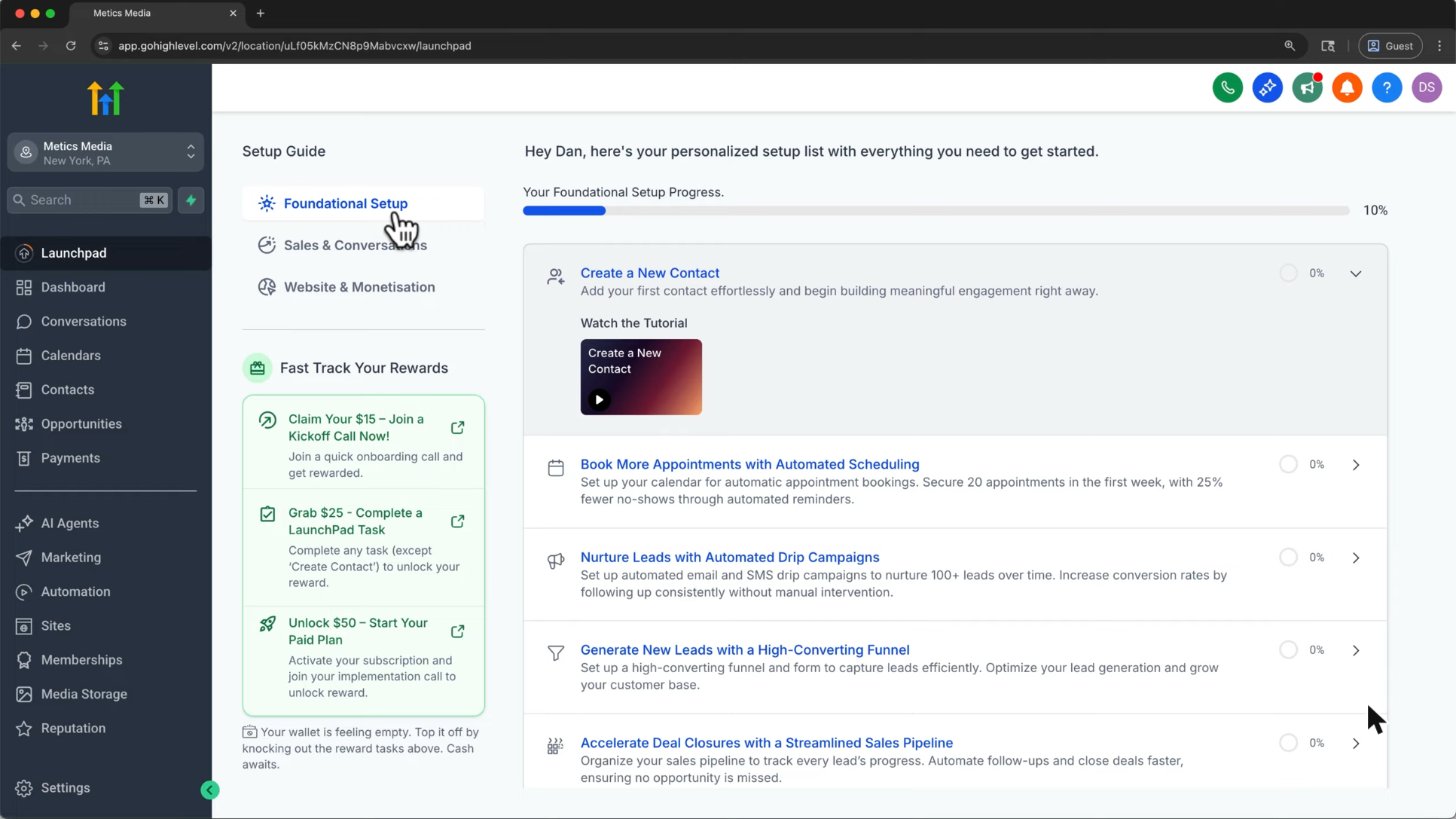
After you log in, new accounts land on the Launchpad setup guide.
Screenshot from Metics Media's GoHighLevel tutorial on YouTube.
Don't have a GoHighLevel account yet?
You can't log in without an account. Start with a free trial: 14 days standard, or 30 days through our partner link.
GoHighLevel sign-up and dashboard walkthrough
Independent tutorial by Metics Media, not an official HighLevel video.
Frequently asked questions
What is the GoHighLevel login URL?
The official login is app.gohighlevel.com. Agencies that white label HighLevel give their clients their own branded login link.
Is GHL login the same as HighLevel login?
Yes. GHL, GoHighLevel and HighLevel are the same platform and use the same login.
How do I contact GoHighLevel if I can't log in?
Call +1 (888) 732-4197 any time, use the chat on gohighlevel.com, or submit the login help form on HighLevel's support page.
Can I log in to GoHighLevel with Google?
Yes. Click "Sign in with Google" on the login screen.
Why can't my client log in?
Check they use your white-label domain, their email matches the invite, and their phone number is added for 2FA codes.
Sources
HighLevel help articles: Troubleshooting Login issues and 24/7 Customer Support Options.
Support note: the current support options article distinguishes trial, new-customer and established-customer assistance. It lists the phone number for billing (Option 2); it does not confirm that phone-based login support is available 24/7. Check the official article for the help available to your account.
Disclosure: We may earn a commission if you sign up through our links, at no additional cost to you. How we earn.